



If you’ve ever wondered how your CRM automatically creates a customer record after someone submits a form on your website, or how an online order instantly appears in your inventory system, you’ve already seen software integration at work.
In simple terms, software integration is the process of getting different applications to communicate and work together as though they’re part of one larger system. Each application still has its own job, database, and interface, but instead of operating in isolation, they exchange information automatically whenever something important happens.
People often assume integration means combining multiple applications into one. In reality, that’s rarely the goal. Most businesses already have tools that do their individual jobs well. The challenge is making those tools share data without employees constantly copying and pasting information between them.
Think of a small online retailer. They might use Shopify for sales, HubSpot for customer management, QuickBooks for accounting, and Slack for internal communication. None of these applications were originally built to function as one product, yet they can work together through application integration.
When a customer places an order, the order information moves automatically from the online store into the CRM, inventory levels update, an invoice is created in the accounting software, and the warehouse team receives a notification. Nobody manually transfers the information. The systems handle it behind the scenes.
That’s what good integration looks like.
In my experience, people usually don’t notice software integration when it’s working well. They only notice it when something breaks. Suddenly customer information disappears, orders stop syncing, invoices aren’t generated, or support tickets never reach the right team. The invisible connections become very visible when they fail.
Another misunderstanding is that software integration is only for large enterprises. That’s no longer true. Even a small company with five cloud applications can benefit from connecting them properly. In fact, smaller businesses often gain the most because they don’t have time to waste on repetitive administrative work.
At its core, software integration isn’t about technology for technology’s sake. It’s about allowing information to move to the people and systems that need it without unnecessary manual effort.
Why Software Integration Exists in the First Place
Businesses rarely start with ten different software platforms.
Most begin with one or two applications that solve an immediate problem.
A company launches a website. Later they adopt accounting software. Then a CRM. Next comes email marketing, project management, customer support, payroll, analytics, document storage, and perhaps an ERP as the business grows.
- Each decision makes sense individually.
- The problem appears over time.
- Every new application creates another place where business data lives.
- Customer information ends up in one system.
- Invoices are stored somewhere else.
- Support tickets live in another application.
- Marketing contacts exist in a completely different database.
- Now imagine an employee receives a new order.
- They copy the customer’s details into the CRM.
- Then they manually enter the same information into the accounting system.
- Next, they notify the warehouse through Slack.
- Finally, they update a spreadsheet used for reporting.
- Nothing here is technically difficult.
It’s just repetitive.
And repetition creates mistakes.
I’ve seen situations where employees accidentally typed the wrong shipping address in one application while the correct address remained in another. The warehouse shipped the package using outdated information, customer support handled the complaint, accounting processed a refund, and management spent hours figuring out what happened.
- The root cause wasn’t poor employees.
- It was disconnected software.
- Manual work also slows businesses down far more than most people realize.
- Imagine a sales representative closes a deal.
- Instead of immediately starting customer onboarding, someone has to create accounts across three different systems.
- Someone else sends welcome emails.
- Another employee creates invoices.
- Another schedules implementation.
- If each task waits for a person, delays pile up quickly.
- Now compare that with an integrated workflow.
- The signed contract triggers a sequence of events automatically.
- Customer records appear in the CRM.
- Invoices are generated.
- Project management software creates onboarding tasks.
- The implementation team receives notifications.
- The customer receives a welcome email.
- Everything starts within seconds.
That’s why businesses invest in workflow automation. The goal isn’t simply reducing clicks. It’s making sure every department works from the same information without waiting for someone to manually pass it along.
This is also where system integration and data integration become important. One focuses on connecting different software systems, while the other ensures the information moving between them stays accurate, consistent, and useful.
Without proper data integration, applications might exchange information, but that information can still become outdated, duplicated, or inconsistent.
I’ve seen companies believe they had integrated systems simply because data was moving between applications. Later they discovered one system stored customer names differently, another expected different date formats, and a third required mandatory fields the others didn’t provide.
Technically, everything was connected.
Practically, nothing worked reliably.
That’s a common lesson in real projects. Connecting software is usually the easy part. Making different applications understand each other’s data is where the real work begins.
How Software Integration Connects Apps
Many people picture software integration as a mysterious process happening somewhere “in the cloud.”
In reality, the flow is surprisingly logical.
Applications don’t magically know when something changes. One application has to tell another that an event happened, send the necessary information, and wait for the receiving system to process it.
Let’s walk through what usually happens behind the scenes.
Step 1: An Event Happens in One Application
Every integration starts with an event.
An event is simply something that occurs inside an application.
It could be
- A customer submits a contact form.
- An online order is placed.
- A payment succeeds.
- A support ticket is created.
- A new employee is added.
- A document is approved.
The application recognizes that something important happened and prepares the relevant information.
For example, an e-commerce platform records:
- Customer name
- Email address
- Shipping address
- Purchased products
- Payment status
- Order number
At this point, nothing has moved yet.
The information still belongs to the first application.
Step 2: An API Sends the Data
This is where API integration usually takes over.
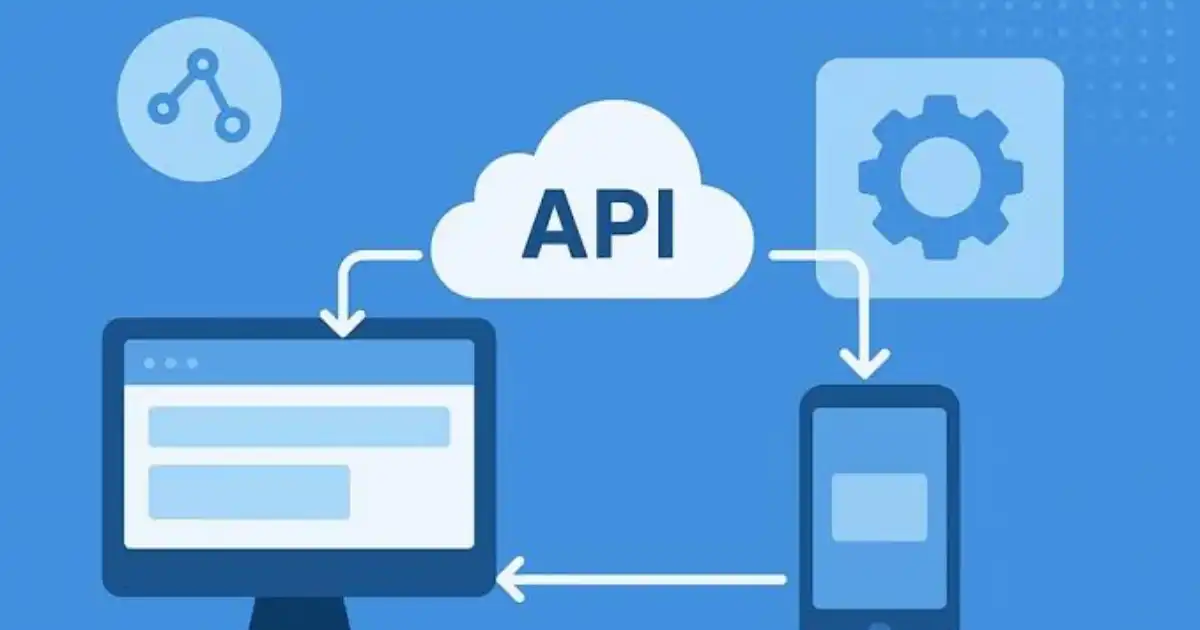
An API, or Application Programming Interface, acts like a controlled doorway between applications. Instead of giving another system direct access to the entire database, the application sends only the information that’s needed.
Imagine the online store has just received an order.
It packages the order details into a structured request and sends that request to another application through its API.
The receiving application checks several things before accepting it.
- Is the request authenticated?
- Does the sender have permission?
- Is the information complete?
- Is the format correct?
Only after these checks pass does the data continue its journey.
Modern SaaS integration relies heavily on APIs because they’re secure, flexible, and designed specifically for applications to communicate without human involvement.
Step 3: The Data Is Transformed
This is the step people rarely think about, yet it’s responsible for many integration problems.
Different applications often store similar information in completely different ways.
One CRM may expect a customer’s full name in a single field.
Another system may require separate first and last name fields.
One application records dates as 23/07/2026.
Another expects 2026-07-23.
One stores country names as “United States.”
Another requires “US.”
If information is transferred without adjustment, errors occur.
Integration tools often transform the data before delivering it to the receiving application. They rename fields, convert formats, validate required values, and sometimes even enrich the data with additional information.
This transformation layer is what allows completely different software platforms to understand each other.
Step 4: The Second Application Processes the Data
Once the information arrives in the correct format, the receiving application performs its own work.
Depending on the workflow, it might:
- Create a customer account.
- Update inventory.
- Generate an invoice.
- Open a support ticket.
- Assign work to an employee.
- Send a confirmation email.
From the user’s perspective, everything appears automatic.
Behind the scenes, multiple requests, validations, security checks, and confirmations may have occurred in just a few seconds.
A Complete Real-World Integration Flow
Let’s put everything together using a realistic example.
A customer buys a laptop from an online store.
The purchase creates an order inside the e-commerce platform.
An API immediately sends the order details to the CRM, where a new customer profile is created if one doesn’t already exist.
Before forwarding the information to the accounting system, the integration converts tax values, currency formatting, and invoice fields into the structure expected by the finance software.
At the same time, the warehouse management system receives the order and reserves the laptop from available inventory. The shipping platform generates a delivery label, while the customer automatically receives an order confirmation email with tracking details.
Finally, the business intelligence platform records the sale for reporting, allowing managers to see updated revenue figures without waiting for overnight imports.
What looks like a single online purchase from the customer’s perspective is actually a chain of coordinated actions across multiple systems. That’s the real value of well-designed software integration. Information flows to the right place, in the right format, at the right time, with little or no manual intervention.
