



When people hear “endpoint security,” they usually think antivirus. Maybe a pop-up scan. Maybe something that runs quietly in the background.
That’s not what it actually is.
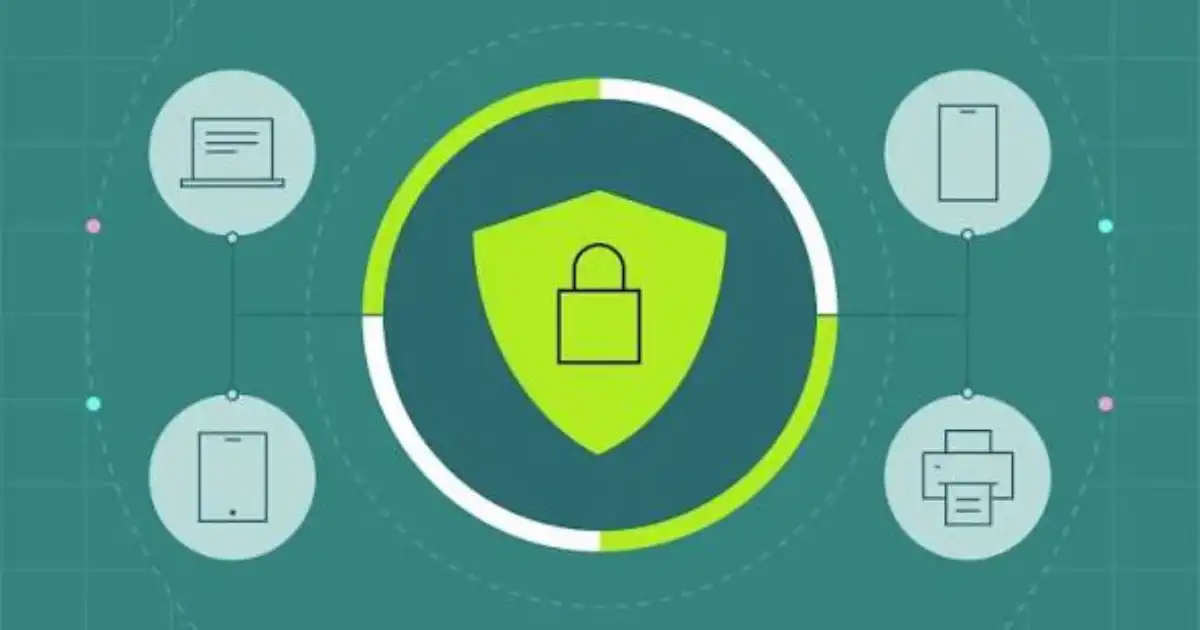
In real environments, an “endpoint” is anything that connects to your system. Laptops, desktops, mobile phones, tablets, even a developer’s home PC logging into company servers. I’ve seen smart TVs and personal USB drives become part of the problem too.
Endpoint security is about protecting those devices because they are the front doors into your systems. Not the servers. Not the data center. The everyday devices people use.
In practice, most attacks don’t start with some dramatic breach of a server. They start with someone clicking something they shouldn’t, installing something they didn’t understand, or using a device that hasn’t been updated in months.
Endpoint security is about controlling that reality.
It is less about “protecting devices” and more about controlling how those devices behave, what they access, and what happens when something goes wrong.
Why Endpoint Security Is Essential Today
Every Device Is a Potential Entry Point
Ten years ago, companies had a handful of managed desktops sitting inside an office. Today, one employee might use a laptop, a phone, and a personal device to access work.
Each one of those is a possible way in.
I’ve seen companies invest heavily in network security, only to get compromised through a single employee laptop that had weak protections. The attacker didn’t need to break the system. They just walked through an open door.
Work No Longer Happens in One Secure Location
The old model was simple. Secure the office network and you’re mostly safe.
That model is gone.
Remote work security changed everything. People work from home, coffee shops, airports, shared networks. You don’t control those environments.
So the only place you can realistically enforce security is on the endpoint itself.
If the device is secure, the environment matters less. If the device is weak, no firewall in the world will save you.
Attackers Target People, Not Systems
This is something many people misunderstand.
Hackers don’t sit there trying to crack encryption all day. That’s hard.
What’s easier is tricking a person.
Phishing emails, fake login pages, malicious downloads. These attacks are designed for humans, not machines.
Endpoint security matters because it sits right at the point where human behavior meets your systems. It can detect when something suspicious is happening, even if the user made a mistake.
Sensitive Data Lives on Endpoints
People assume important data lives in servers. In reality, a lot of it sits on devices.
Spreadsheets, customer records, internal documents, cached emails, saved passwords. I’ve seen entire business operations exposed because someone’s laptop was compromised.
Data protection is no longer just about databases. It is about every device that touches that data.
How Endpoint Attacks Actually Happen
Phishing That Installs Malware
This is still the most common one I’ve seen.
An employee gets an email that looks legitimate. Maybe it’s a delivery notice or a fake invoice. They click a link, download a file, and open it.
That file installs malware silently.
From there, the attacker can log keystrokes, steal credentials, or move laterally into other systems.
The scary part is how normal it looks. There’s no dramatic warning. Just a small mistake with big consequences.
Exploiting Outdated Software
Unpatched systems are easy targets.
I’ve worked with teams where updates were delayed because “nothing has broken yet.” That mindset is dangerous.
Attackers actively scan for devices running outdated software. Once they find one, they use known vulnerabilities to gain access.
No phishing needed. No trickery. Just a door left unlocked.
Lost or Stolen Devices
This one gets overlooked.
A laptop left in a taxi. A phone stolen at a café. It happens all the time.
If that device isn’t encrypted or protected properly, whoever finds it might have direct access to company data.
I’ve seen cases where the breach didn’t come from hacking at all. It came from physical loss.
Unsafe Downloads and External Devices
People download tools, plugins, cracked software, random utilities. Sometimes they plug in USB drives without thinking twice.
That’s another entry point.
Malicious software doesn’t always come from obvious sources. Sometimes it’s bundled into something that looks useful.
Endpoint protection helps catch these things before they cause damage.
What Happens Without Endpoint Security
When endpoint security is weak or missing, things tend to go wrong in predictable ways.
Data breaches are the obvious one. Sensitive information gets exposed or stolen.
Ransomware is another big one. I’ve seen entire businesses locked out of their systems because one device got infected. Operations stop. People panic. Recovery takes days or weeks.
Downtime is expensive. Not just financially, but operationally. Teams can’t work. Customers lose trust.
And then there’s the silent damage. Credentials stolen quietly, data copied without detection. Those are harder to notice but often more damaging long term.
The common thread is simple. One weak endpoint can affect everything connected to it.
Key Components of Endpoint Security
Antivirus and Anti-Malware
This is the baseline.
It scans files, detects known threats, and blocks obvious malicious activity.
Still necessary, but not enough on its own.
Endpoint Detection and Response
This is where things get more serious.
EDR tools monitor behavior, not just files. They look for unusual activity like strange processes, unexpected connections, or suspicious patterns.
In my experience, this is what actually catches modern attacks. Not because it knows every threat, but because it notices when something feels off.
Firewalls and Network Controls
These control what traffic goes in and out of a device.
Even if malware gets in, a firewall can stop it from communicating with external servers.
It’s like limiting what a compromised device can do.
Device Encryption
If a device is lost or stolen, encryption protects the data on it.
Without encryption, accessing that data can be surprisingly easy.
With encryption, it’s practically useless without the correct credentials.
Access Control and Authentication
This is about controlling who can access what.
Strong passwords, multi-factor authentication, limited permissions. These reduce the damage even if credentials are stolen.
I’ve seen breaches where attackers got in but couldn’t go far because access was properly restricted.
Endpoint Security vs Traditional Antivirus
A lot of people still think antivirus equals security.
It doesn’t.
Antivirus focuses on known threats. It’s reactive.
Endpoint security is broader. It includes behavior monitoring, access control, device management, and response capabilities.
Modern cybersecurity threats don’t always look like known malware. They adapt. They hide. They use legitimate tools in malicious ways.
Antivirus alone won’t catch that.
If you rely only on antivirus, you’re basically hoping attackers behave in predictable ways. They usually don’t.
Who Needs Endpoint Security
There’s a misconception that endpoint security is only for large enterprises.
That’s not true.
Small businesses are often easier targets because their defenses are weaker.
Freelancers, remote workers, startups, even individuals. If you store sensitive data or access important systems, you need some level of endpoint protection.
I’ve seen small teams hit harder than big companies because they didn’t expect to be targeted.
The reality is simple. If you use devices connected to the internet, you are a potential target.
Common Mistakes People Make With Endpoint Security
One of the biggest mistakes is thinking “it won’t happen to us.”
That mindset leads to weak setups.
Another mistake is relying only on antivirus and ignoring everything else.
Then there’s poor update discipline. Delaying patches because they’re inconvenient.
I’ve also seen overcomplication. People install too many tools without understanding how they work, creating confusion instead of protection.
And finally, ignoring user behavior. Technology can only do so much. If people aren’t aware of risks, mistakes will happen.
How to Approach Endpoint Security the Right Way
Keep Systems Updated
This sounds basic, but it’s one of the most effective things you can do.
Updates fix known vulnerabilities. Skipping them is like leaving doors unlocked.
Use Layered Security
Don’t rely on a single tool.
Combine antivirus, EDR, firewalls, and access controls. Each layer covers different risks.
In real environments, no single solution catches everything.
Monitor Devices
Visibility matters.
You need to know what’s happening on your devices. Not in detail every second, but enough to detect unusual behavior.
Train Users
People are part of your security system.
Basic awareness goes a long way. Recognizing phishing emails, avoiding risky downloads, understanding why certain rules exist.
I’ve seen well-trained teams prevent attacks that tools alone would have missed.
Control Access
- Not everyone needs access to everything.
- Limit permissions. Use strong authentication.
- If something gets compromised, this reduces the damage.
Challenges and Limitations of Endpoint Security
Endpoint security isn’t perfect.
- It can be complex to manage, especially at scale.
- False positives can be frustrating. Sometimes legitimate actions get flagged.
- Users can resist restrictions, especially if they feel it slows them down.
- And attackers keep evolving. What works today might not work tomorrow.
- The goal isn’t perfection. It’s reducing risk to a manageable level.
The Future of Endpoint Security
Things are moving toward smarter, more automated systems.
AI-driven detection, better integration with cloud environments, and stronger identity-based controls.
Zero trust models are becoming more common. Instead of assuming devices are safe, everything is verified continuously.
Remote work security will continue to shape how endpoint protection evolves.
In my experience, the trend is clear. Security is shifting closer to the user and the device, not just the network.
You Might Be Interested In
- Rate Limiting Strategies: Per User Vs Per Token Vs Per Ip With Examples
- Secrets Management Comparison: Env Vars Vs Kms Vs Vault When To Use What?
- Secrets Scanning: What To Scan Code, Logs, Tickets And How To Respond?
- Why Cybersecurity Is Important?
- Ai In Threat Detection: How It Works Basics?
